
Get your free Melbourne Electrician quote today!
Our team of Melbourne Electricians is here to help you with any questions or concerns you may have. We’re committed to providing you with the best possible service and support.
Are You Frustrated with dropping Wi-Fi, slow internet, or lag?
Whether you are running a busy office in Tullamarine or working from home in Melbourne’s inner suburbs such as the South Yarra, having a fast, rock-solid internet connection is no longer a luxury, it is an absolute necessity.
When your internet goes painfully slow or keeps dropping out during an important video call, it is easy to blame your NBN provider. However, a massive percentage of connection issues have absolutely nothing to do with your internet plan. Instead, they are caused by poorly installed, damaged, or outdated data cabling hidden right inside the building.
Below, we break down the most common data cabling problems we see across Melbourne homes and businesses, and exactly how you can avoid them.
7 Key Data Cabling Problems
🛜 Electrical Interference
🛜 Outdated Cabling
🛜 Crushed or Kinked Wires
🛜 Weather Damage
🛜 Unlicensed Installations
🛜 Messy Cabling
🛜 Not Doing Speed Test
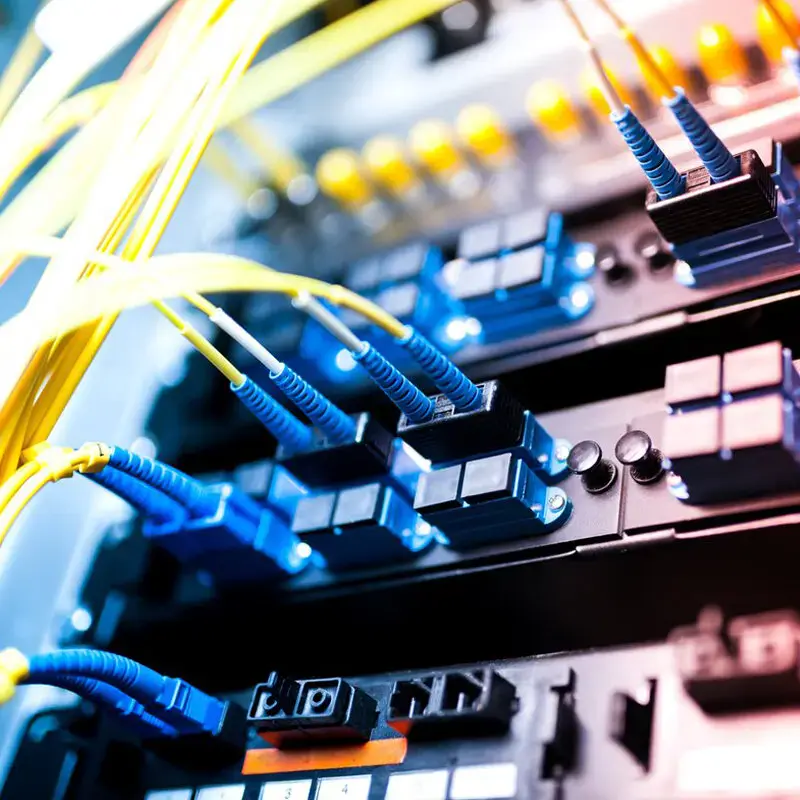
➡️ Mixing Data Cables with Electrical Power Lines
The Problem
Data cables (like Cat6) carry low-voltage signals. If they are run right alongside standard 240V power lines inside your ceiling or wall cavities, the electrical currents create electromagnetic interference. This quietly corrupts the data passing through your internet cables.
The Result
You will suffer from sudden, random speed drops, packet loss (lag during gaming or video calls), and mysterious connection dropouts.
How to Avoid It
Data cables must be run with proper physical separation from power lines. A licensed data technician knows the correct legal spacing requirements and will use proper conduit shielding when cables have to cross paths.
➡️ Using Cheap, Outdated Cable Tiers
Many older Melbourne properties are still relying on infrastructure built for the technology of twenty years ago.
The Problem
If your building is still using old Cat5 cabling, you are bottlenecking your entire internet system. Cat5 cables max out at speeds that simply cannot handle modern high-speed NBN connections, 4K streaming, or multiple devices working simultaneously.
The Result
You might be paying for a premium 100Mbps or 250Mbps NBN plan, but your internal cabling physically cannot transfer those speeds to your computer.
How to Avoid It
Always insist on Cat6 or Cat6a cabling for new installations. Cat6 handles up to 10-Gigabit speeds, meaning your home or office network is completely future-proofed for years to come.
➡️ Sharp Bends, Kinks, and Crushed Cables
Data cables are surprisingly sensitive to physical stress. They cannot be treated like rugged electrical wire.
The Problem
Copper wires inside network cables are twisted very precisely to prevent interference. When an installer forces a cable around a tight 90-degree corner, staples it too tightly to a timber beam, or steps on it in a tight roof space, those internal twists get ruined.
The Result
Permanent signal degradation and slow speeds on that specific data point.
How to Avoid It
Professional data cablers follow strict guidelines regarding "bend radius." Cables should curve smoothly around corners and be supported by proper data hooks or trays rather than being pinned down aggressively.
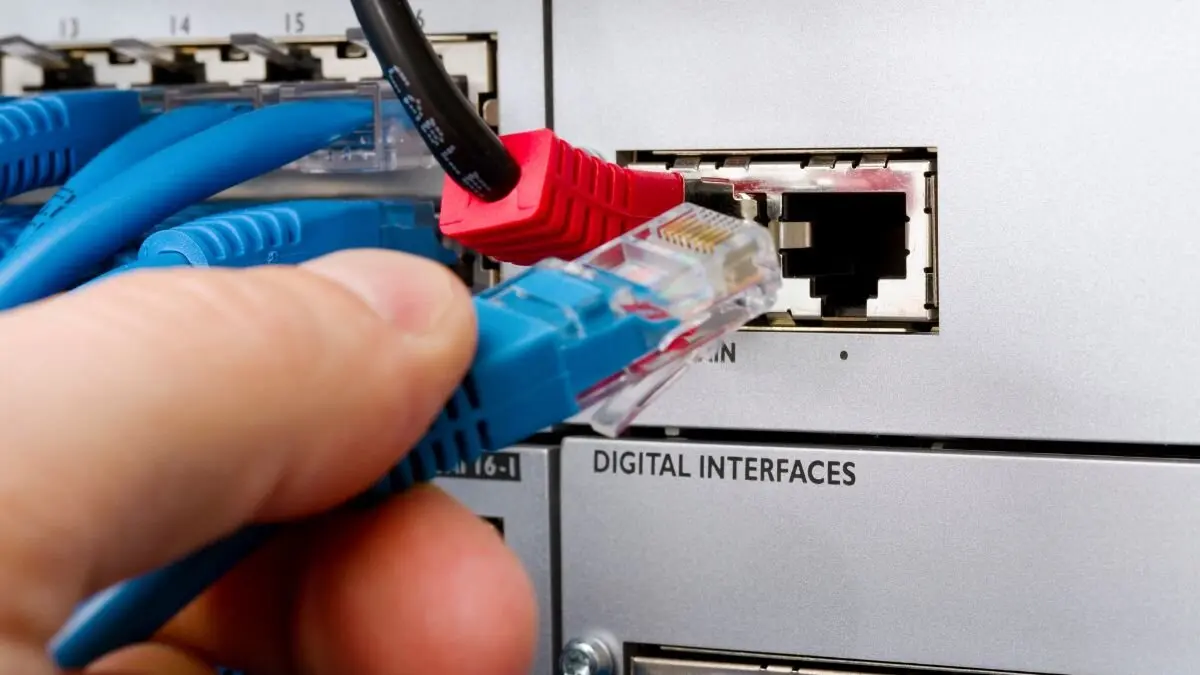
➡️ The Unique Melbourne Weather Factor
Our local climate doesn't just stress your electrical wiring it can wreak havoc on your data network too.
The Problem
Melbourne’s extreme seasonal temperature swings create intense heat in uninsulated roof spaces during summer, followed by freezing dampness in winter. Cheap, indoor-grade data cables run to outdoor security cameras or detached garage home offices will crack and decay rapidly under these conditions.
The Result
Water enters the cable, shorting out the connection and potentially damaging your network switch or modem.
How to Avoid It
For any external runs like outdoor CCTV setups or connecting a backyard granny flat, ensure your technician uses UV-stabilized, waterproof, outdoor-grade data cabling.
➡️ Hiring an Unlicensed Installer (The "Handyman" Trap)
Many people don't realise that running internet cables in Australia is legally regulated.
The Problem
In Australia, it is against the law for anyone to install or repair telecommunications cabling inside walls unless they hold an official ACMA Cabling Registration (data license).
The Result
An unlicensed installer won't know the telecommunications compliance rules. If an illegal data installation causes an electrical fire or short circuits your main switchboard, your insurance company can completely reject your claim.
How to Avoid It
Always verify that your installer is a fully licensed electrician holding a valid data cabling endorsement.
➡️ Messy Data Boxes and Server Racks
The central hub where all your internet lines meet up is the brain of your business network, but it is often treated as an afterthought and shoved away in a corner.
The Problem
Stuffing all your expensive internet gear into tiny, unventilated cupboards or tight spaces without proper organization trays.
The Result
The box quickly turns into a tangled mess of cords that is impossible to fix. Even worse, the lack of airflow in a tight office cupboard can cause your modems and switches to overheat and constantly crash.
How to Avoid It
Make sure your data box or server rack has plenty of empty space left over for the future. Keep it neat with cable management bars and ensure the room or cupboard has decent ventilation so the gear stays cool.
➡️ Skipping the Final Speed Test
Some installers will finish a job, plug a basic little tester into the wall to see if a green light turns on, pack up their tools, and leave.
The Problem
Basic test lights only prove that the wires are physically touching the pins. They don't measure real-world speeds, signal quality, or data limits.
The Result
You open for business and realize that while your computers say they are "connected," your internet feels painfully slow and your video calls keep freezing.
How to Avoid It
Insist on a proper digital performance test upon completion. A professional team uses specialized diagnostic meters to verify that every single line can handle 100% of its maximum promised speed, and they can provide you with a printed report proving it.
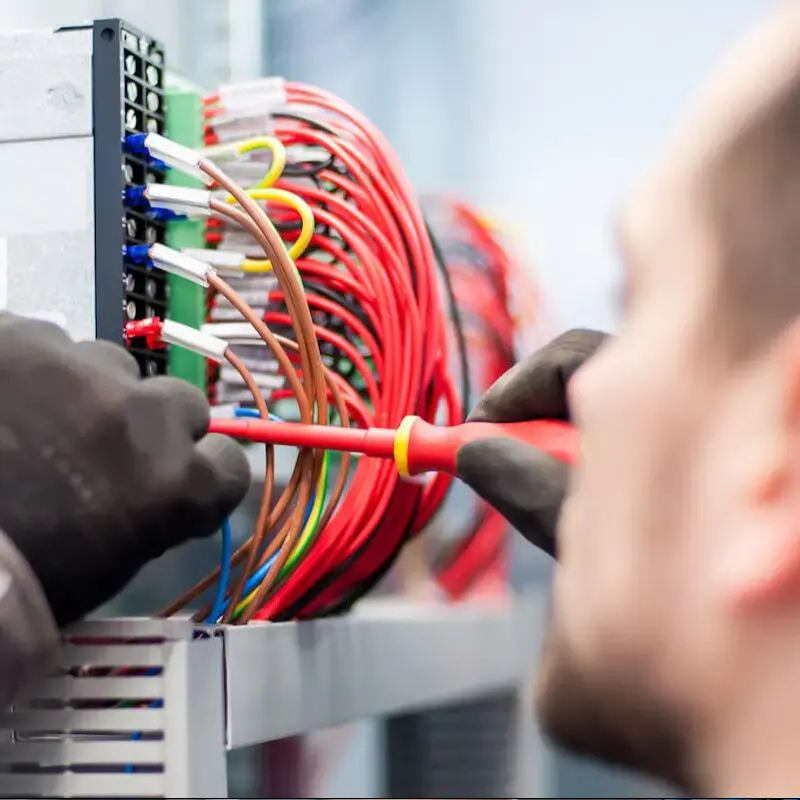
Wi-Fi vs. Structured Data Cabling
While Wi-Fi is incredibly convenient for phones and tablets, relying on it for your entire home or office setup is a recipe for frustration.
|
Feature |
Wireless Wi-Fi |
Wired Cat6 Data Cabling |
|
Speed Stability |
Drops significantly when passing through brick walls or between floors. |
Delivers 100% stable, maximum speeds directly to the device. |
|
Interference |
Disrupted by microwaves, bluetooth devices, and neighbor's networks. |
Fully insulated and shielded against external signal noise. |
|
Security |
Vulnerable to wireless hacking and signal interception. |
Completely secure physical connection inside your building. |
|
Best For |
Smart phones, casual browsing, and portable tablets. |
Smart TVs, gaming consoles, home offices, and server racks. |
The Home Network Checklist
Run through this quick diagnostic check if your home or business network is acting up:
𝥀 Are your most critical devices (Smart TV, Work PC, Gaming Console) plugged directly into a wall data point instead of relying entirely on Wi-Fi?
𝥀 Is your main modem/router kept out in the open, away from thick concrete walls or metal filing cabinets?
𝥀 Are your Ethernet patch leads free of heavy kinks, tight knots, or visible tears?
𝥀 Has your property’s internal network wiring been updated or checked within the last 10 years?
Frequently Asked Questions
Can I just use Wi-Fi extenders instead of installing data cables?
Wi-Fi extenders or boosters can help patch up small dead zones, but they don't actually increase your speed. They simply repeat an already weakened wireless signal. For activities that require raw speed and zero lag like working from home, online gaming, or streaming 4K video, a physical Cat6 data point is always vastly superior.
How long does it take to install a new data point in a Melbourne home?
For a standard single-story home with clear roof or underfloor access, installing a fresh Cat6 data point usually takes between 1 to 2 hours. Multi-story properties or homes with flat roofs can take longer depending on how the cables need to be fished through the walls.
What is an ACMA Compliance Certificate?
An ACMA (Australian Communications and Media Authority) compliance form often called a TCA1 form which is a legal document given to you by a licensed data cabler after finishing a job. It is your official proof that the work complies with Australian communication standards and was completed legally.
Let’s lock in a faster, more reliable connection!
Don't settle for frustrating dropouts or paying for high-speed NBN plans you can't actually use. Whether you need a few extra data points installed for a seamless home office, a clean commercial server rack setup, or an expert to find and fix an annoying connection bottleneck, our fully licensed and experienced Melbourne data technicians are here to help.
Give the WP Electrical team a call today on 0468 175 137 or drop us a line through our contact page, and let’s get your network running at full speed!
Published by: 9 July 2026